
New: glutflow is now live.

Sell More. Manage Less.
Grow Faster.

Launch your online store in minutes, manage your business with ease, and start selling today.

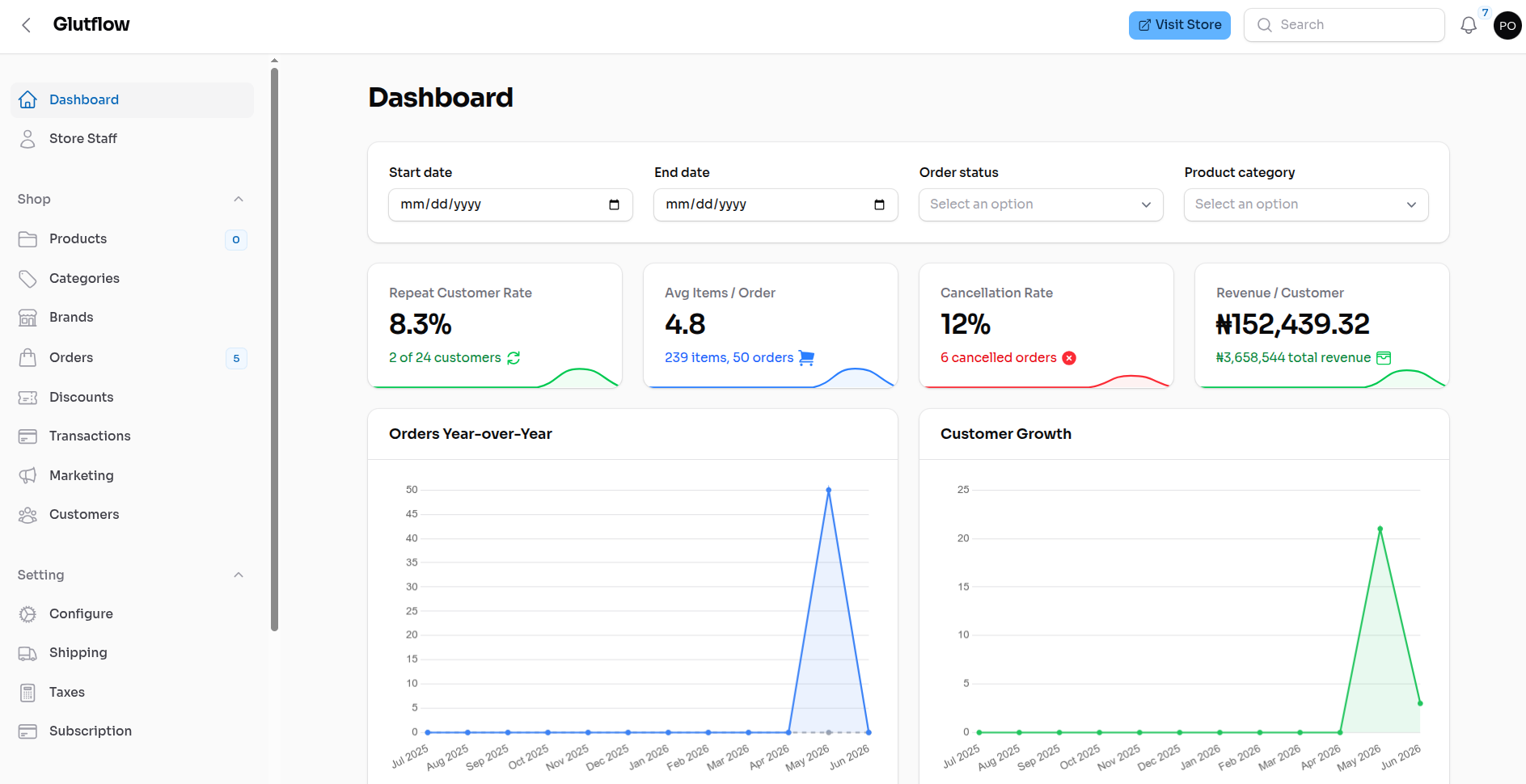
Tenant Dashboard

Manage orders, products & analytics.

Admin Dashboard

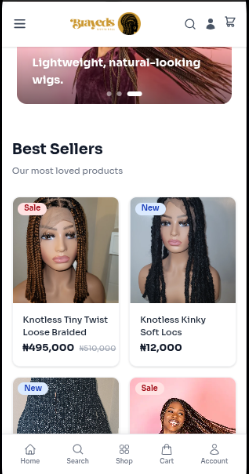
Tenant Storefront

Beautiful storefronts that convert.

Tenant Storefront
Store Website
Instant Payment Confirmation
Multiple Locations
Manage Inventories
Analytics
Staff Accounts
Order Tracking
Store Website
Instant Payment Confirmation
Multiple Locations
Manage Inventories
Analytics
Staff Accounts
Order Tracking

Have visibility on your business operations

Monitor inventory, sales activity, and stock movement across locations from a single dashboard.

Learn More

Business visibility

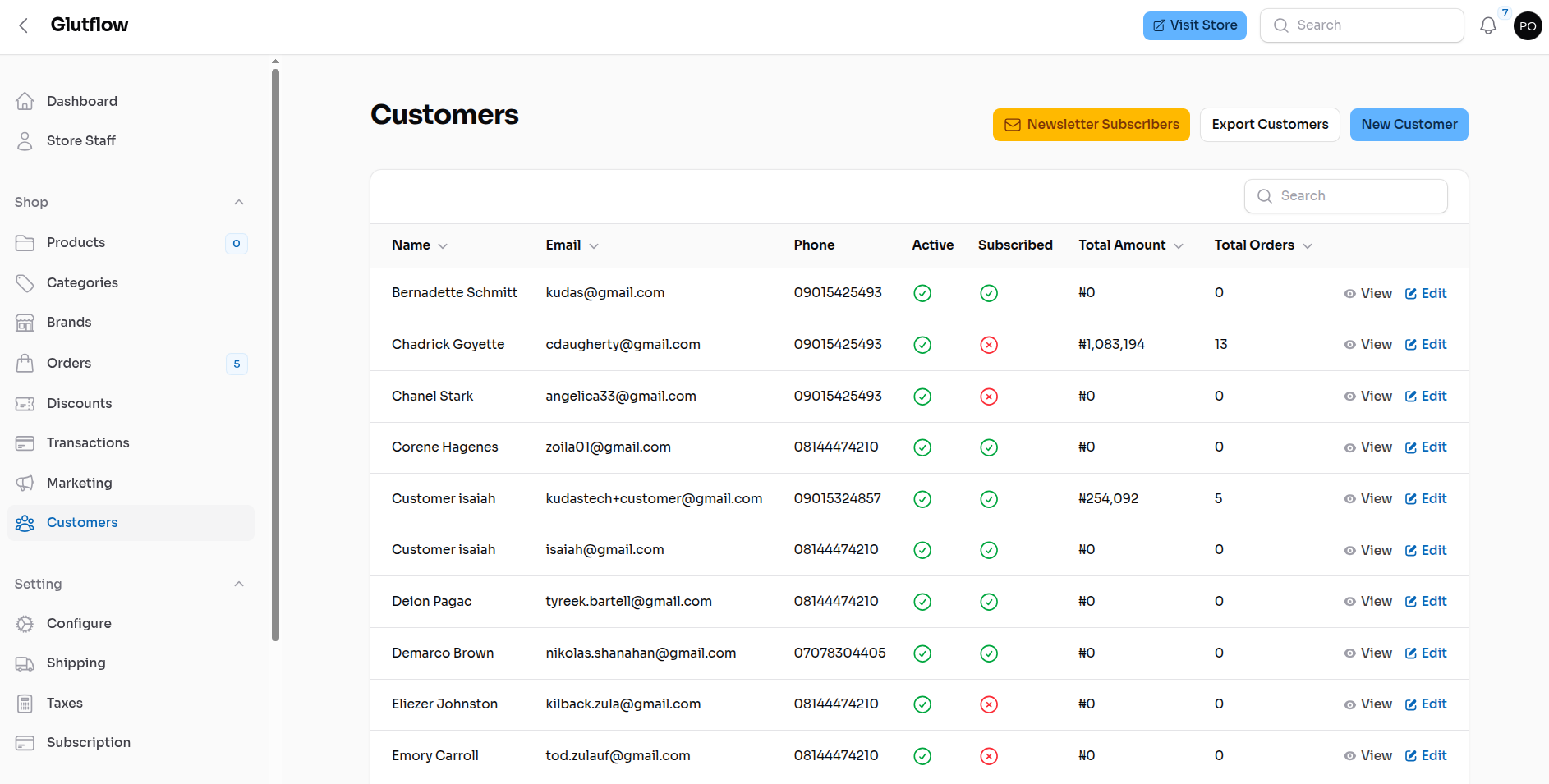
Save customer details and keep them loyal

Keep purchase history and contact details organized so marketing campaigns stay personal and effective.

Learn More
Smart inventory view

Manage your store from one simple dashboard

Track products, update stock, follow orders, and keep your storefront and dashboard in sync as your business grows.

Learn More
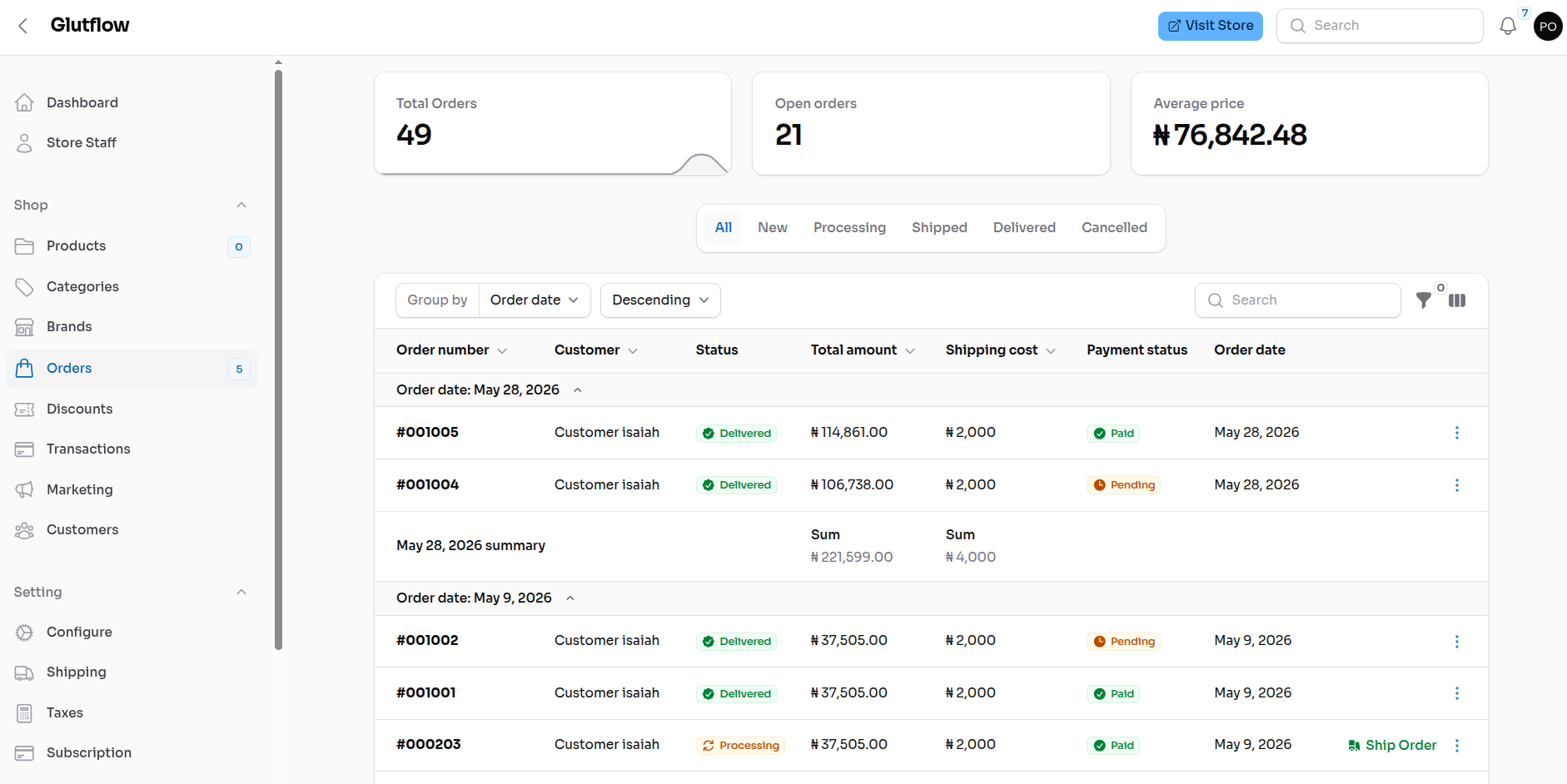
Inventory panel
Smart inventory view
How It Works

Launch your store in three clear steps

Follow a guided setup flow from account creation to going live, with no technical complexity.

Step 1
About 1 minute

Create Your Account

You do: Sign up, choose a plan, and pick your store subdomain.

You get: Your online store and dashboard are ready for setup.

Step 2
About 5 minutes

Set Up Your Store

You do: Add products, upload your branding, and set your payment options.

You get: Your store is prepared for customers and daily sales.

Step 3
About 2 minutes

Publish and Start Selling

You do: Review your storefront and publish.

You get: Customers can start buying while you track sales from your dashboard.

Questions? We've got answers

Find clear answers to common questions about getting started, growing faster, and running your store with confidence.

You can create your account, pick your store subdomain, add products, and start selling from your dashboard without writing code.
No. The dashboard is designed for business owners, so you can manage products, orders, customers, payments, and store settings in one place.
Yes. Your store can accept supported payment options such as Flutterwave, and cash on delivery when they are enabled for your store.
Yes. You can add products, update prices, manage stock levels, organize categories, and keep your storefront updated from the dashboard.
Yes. Customers can view order details and track their purchases, while you manage order status and payment records from your dashboard.
Your store gets a unique link on our platform. You can share it with customers immediately after your store is ready.
Friendly investment options
✦ Flexible Growth

Built for Growing Businesses

Start today and scale at your own pace with tools designed to support every stage of your journey.

Explore Plans